Installation and Authorization
Adding the plugin to your Crisp
To install the plugin, open your Crisp workspace and choose Plugins from the left side-bar menu. Then head to All Plugins and look for Calendly using the search bar. There, you can find the plugin marketplace page and the button to install it.
Authorizing Calendly
Once the plugin is installed, you should go to its setting at Plugins > Installed Plugins > Calendly.
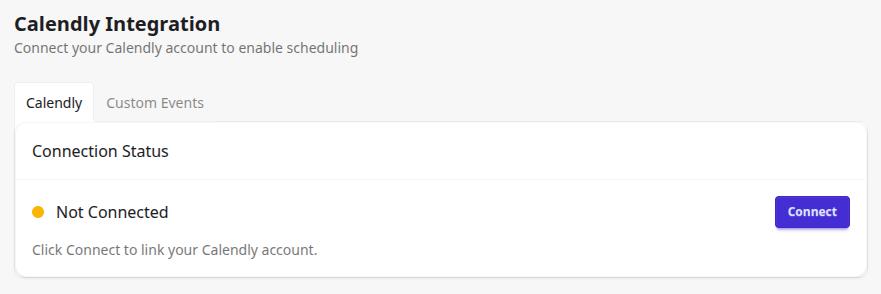
If you would like to use your Calendly events, please click the Connect button. It will lead you through the Calendly authorization page. Once it is completed, you can start customizing your meeting messages.